Seedream 5.0 Pro
Generator
Seedream 5.0 Pro
Preview
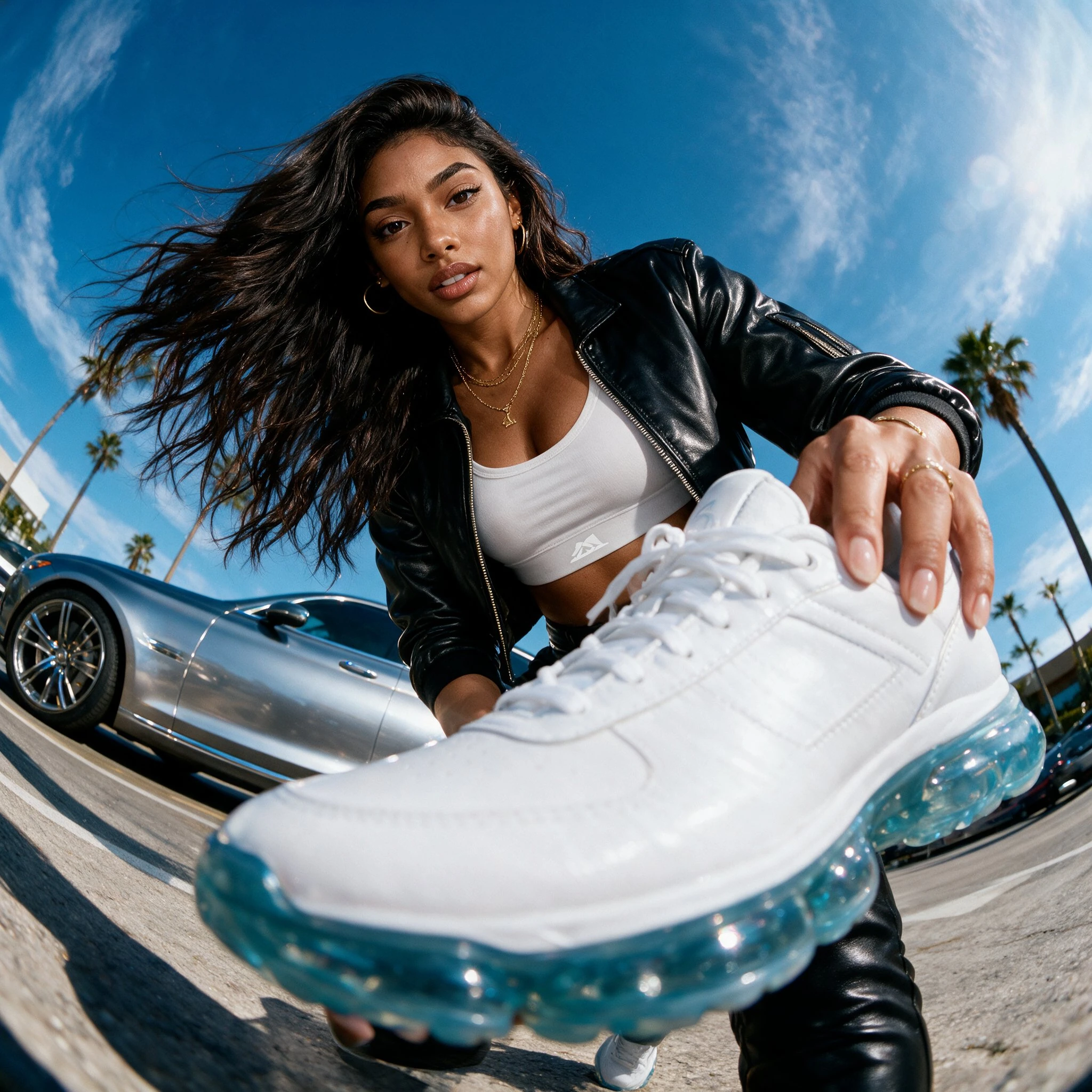
Seedream 5.0 Pro · Creative workspace
Build a layout that carries your message
Use Seedream 5.0 Pro for visuals in which captions, objects, and layout need to work together. Start from a brief or bring reference images to guide the arrangement.
01
Give information a hierarchy
02
Guide the composition
03
Prepare language variants
Text + references
New composition
What you can do
01
Give information a hierarchy
Specify a headline, supporting labels, and the reading order for a poster or explainer. Keep factual copy in the prompt so you can check it against the result.
02
Guide the composition
Use a sketch or reference to describe placement and proportions. Identify the parts to preserve when changing a scene or visual treatment.
03
Prepare language variants
Supply the exact wording for each market and leave room for longer translations. Inspect accents, line breaks, and small type in each output.
From input to output
01
Choose your starting point
Write a visual brief or add reference images in image-to-image mode.
02
Set the direction
Select the available output options and describe the changes you need.
03
Review the result
Compare details, then download the version you want to use.
Questions before you start
Does it generate editable design files?
This page delivers a raster image, not separate text or vector layers. Keep your source copy separately if the design needs further typesetting.
What should I include in a design brief?
State the format, reading order, exact text, visual subject, and required spacing. With reference images, explain the purpose of each one.