
Image 2
A focused Image 2 workspace for users looking for image generation, image editing, and reusable creative workflows.
Image 2 helps you turn prompts, photos, sketches, and reference images into polished visuals for ideas, products, marketing, social media, posters, and multilingual content.
Text-to-image, image-to-image, reference editing, and visual refinement in one workflow
Preview
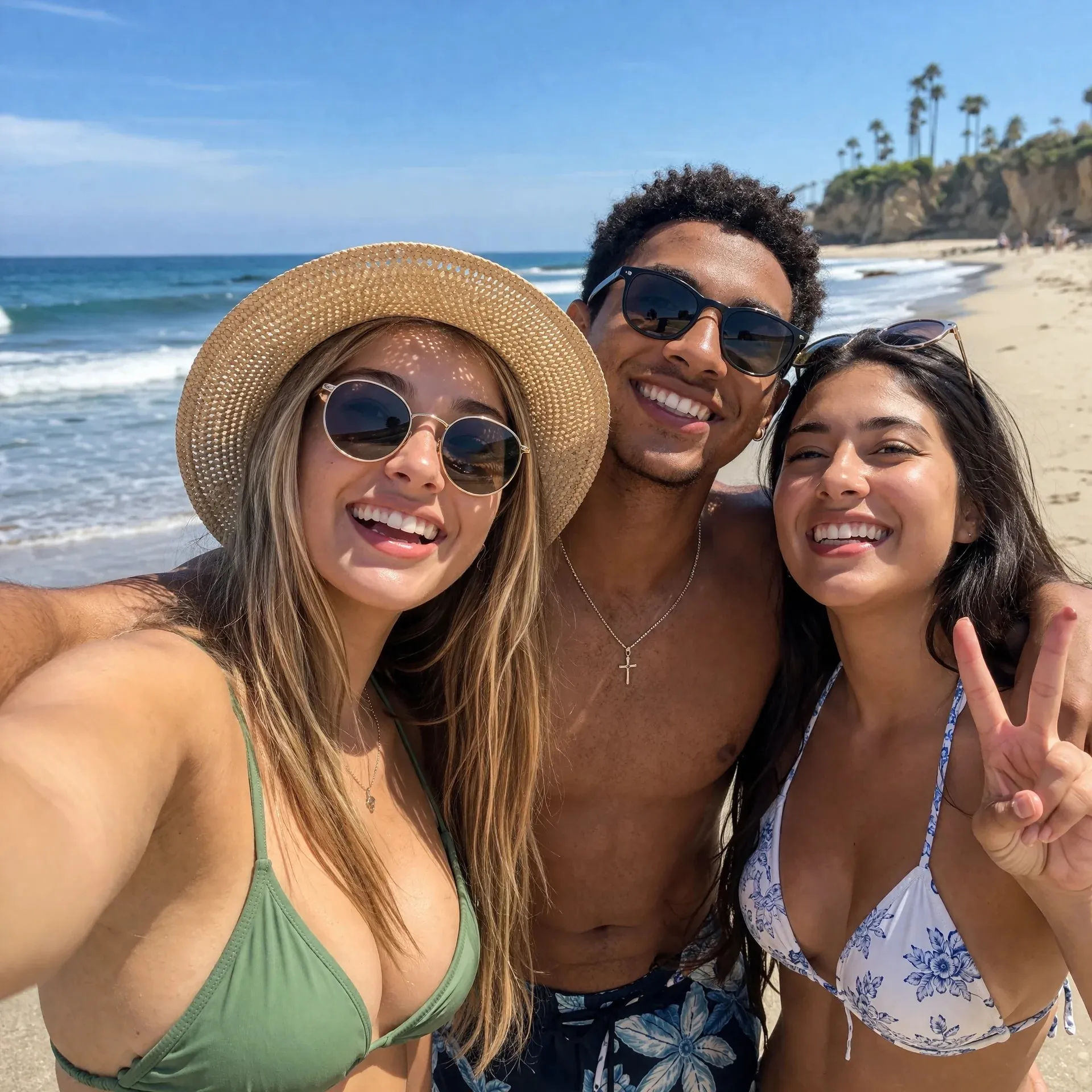
A focused Image 2 workspace for users looking for image generation, image editing, and reusable creative workflows.
Start with a prompt, upload a source image, or combine multiple references for more controlled results.
Reference limits vary by workflow, with support for product, subject, style, and layout guidance.
Tune aspect ratio, quality, resolution, format, and safety settings where the selected workflow supports them.
Image 2 is broader than a single model page. It is built around the everyday jobs people bring to AI image tools: ideation, editing, reference control, visual polish, and content production.
Use Image 2 as a text-to-image generator for concepts, illustrations, moodboards, product ideas, thumbnails, posters, and early creative directions.
Write the subject, scene, style, mood, audience, and intended format before choosing ratios or references.
Move from a rough idea to usable image options without starting in a blank design canvas.
Refine the same concept by changing prompt details, aspect ratios, or quality settings.
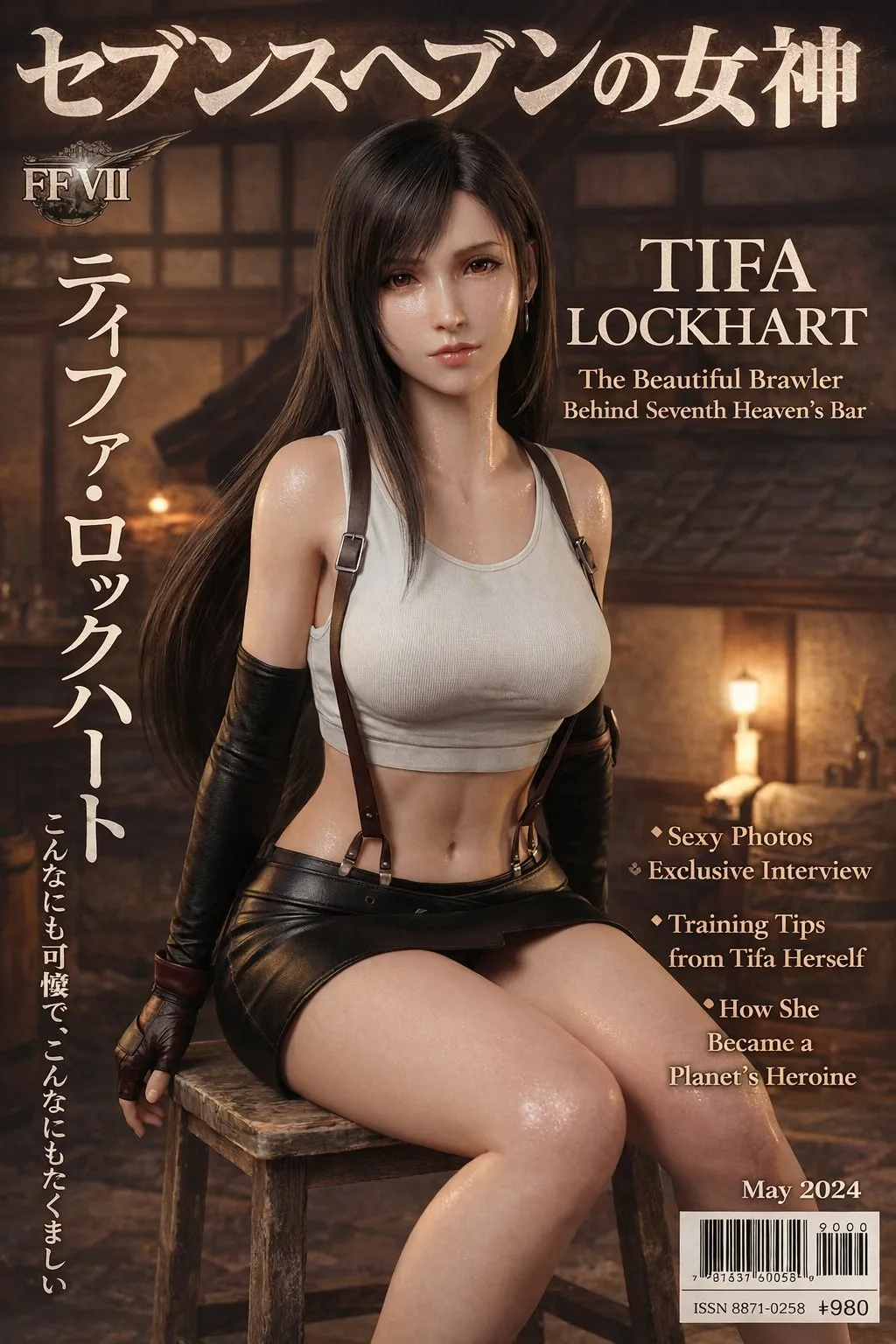
Upload photos, screenshots, sketches, product shots, or style references, then use image-to-image editing to change scenes, backgrounds, styles, text placement, and output formats.
Keep the product, person, layout, or visual direction recognizable while changing the surrounding creative.
Combine source images and written instructions when subject consistency matters more than pure imagination.
Create multiple versions for posts, presentations, listings, ads, landing pages, and visual concepts from the same base material.
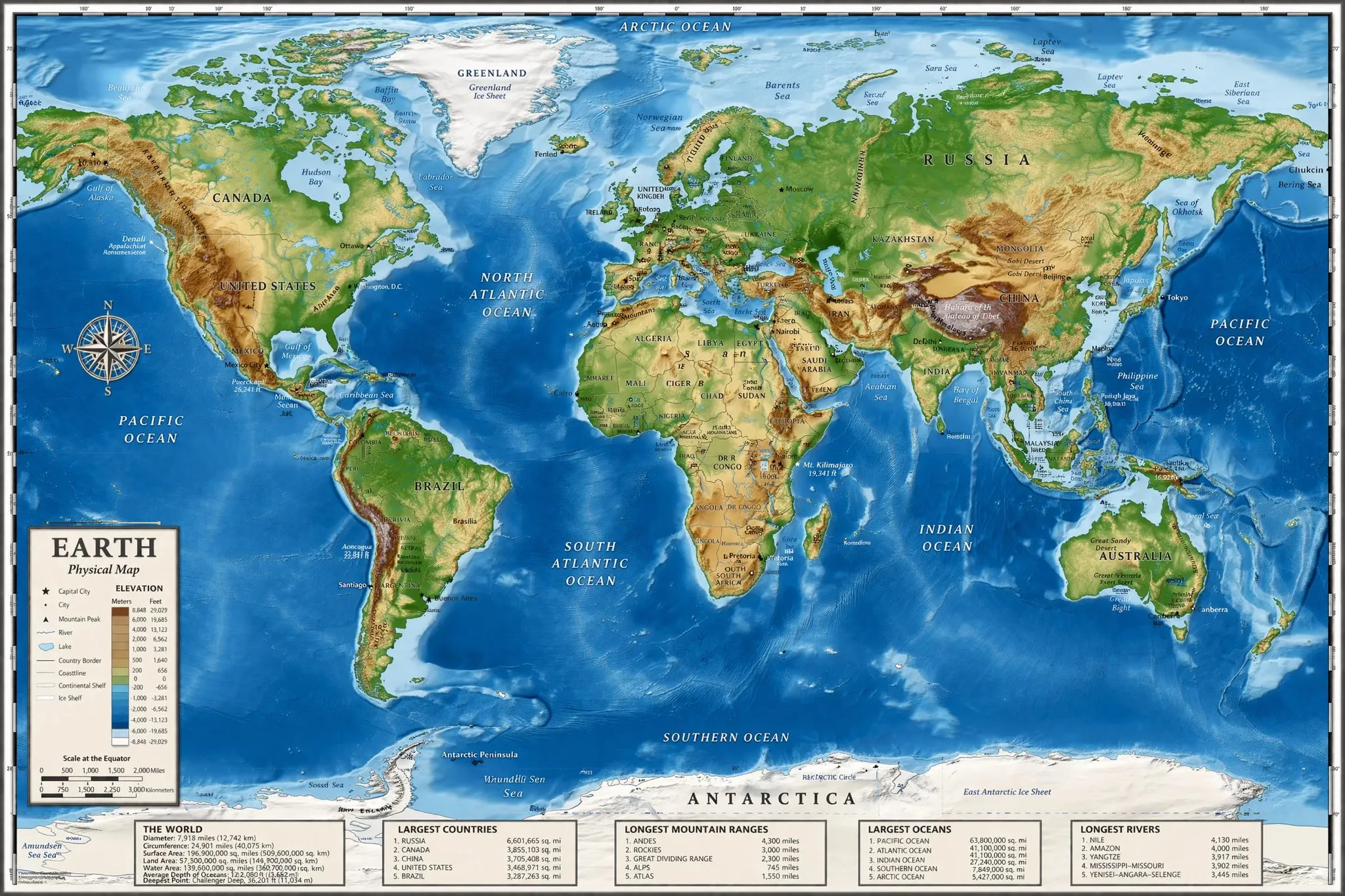
Build usable visuals where subject, copy, layout, style, and language matter: ecommerce images, blog graphics, ads, story posts, banners, explainers, and multilingual designs.
Create visual variants for different formats instead of manually rebuilding each version from scratch.
Use text-heavy visual workflows for posters, explainers, comparison graphics, and presentation-ready images.
Plan images for English, Chinese, and other localized content from the same production flow.
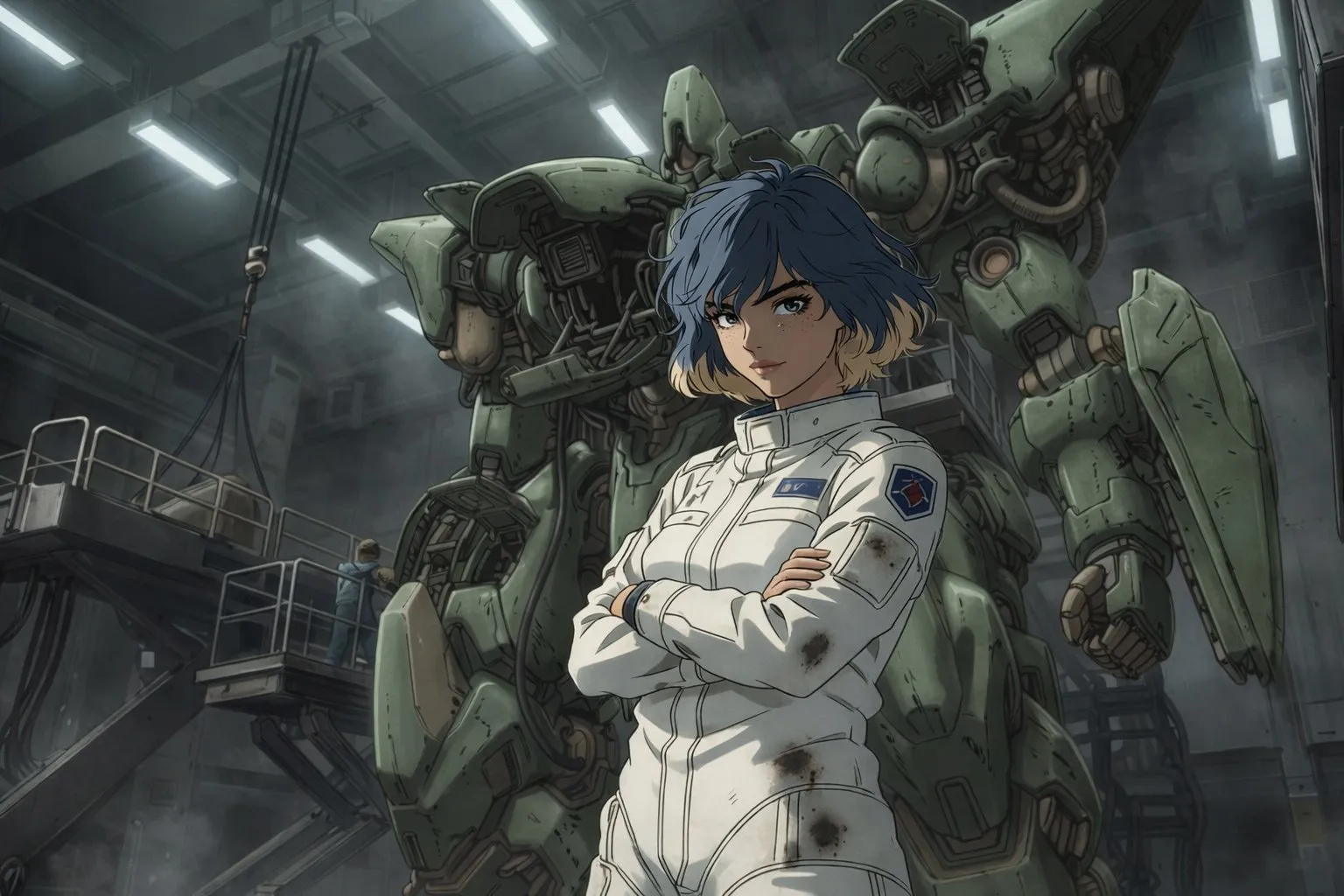
Image 2 is designed around the full visual workflow: starting from text, editing from images, using references, comparing directions, and refining output before you publish or share.
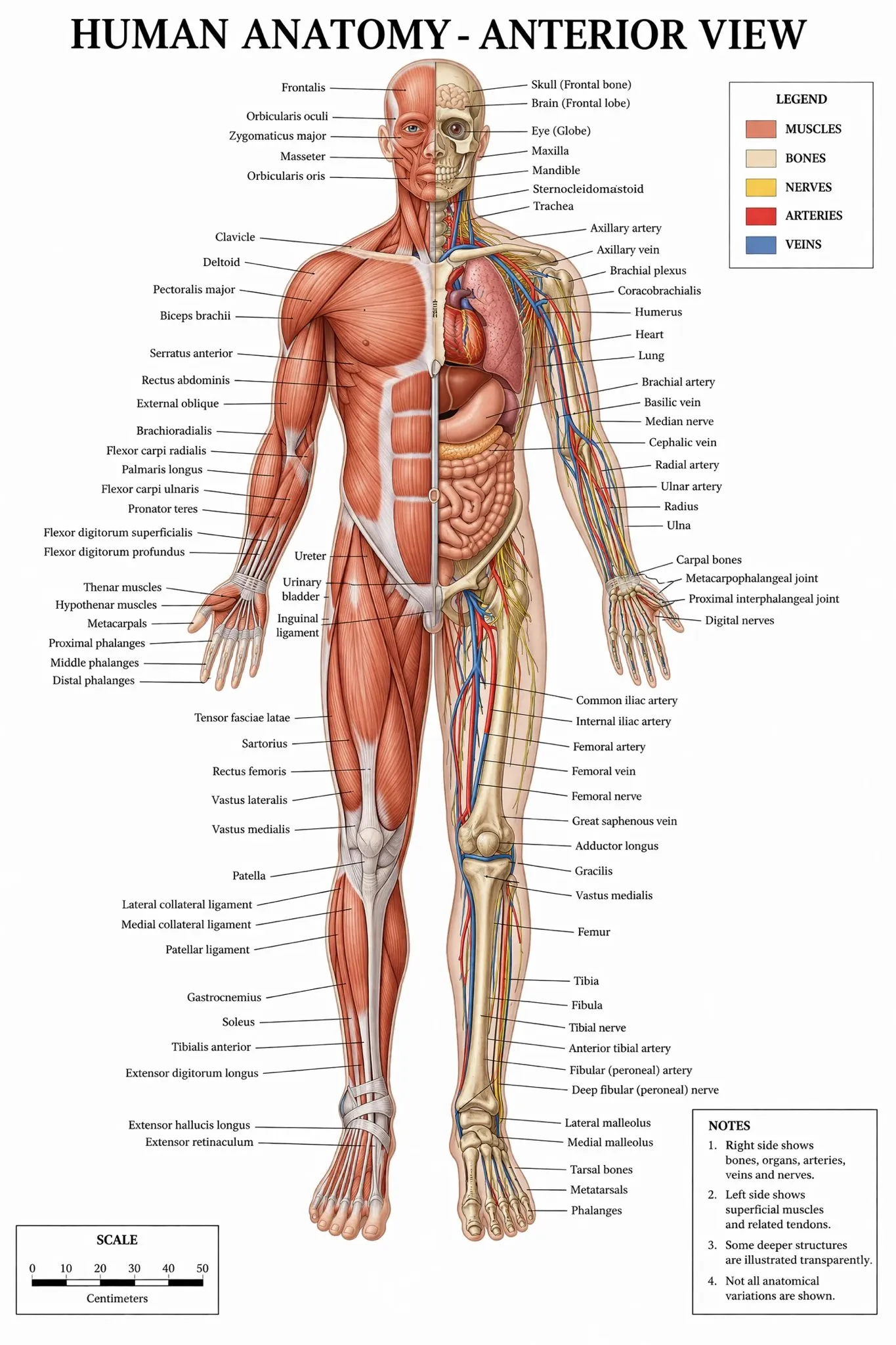
Create concept images, product visuals, ad creatives, landing page graphics, social posts, banners, posters, illustrations, and content images from one Image 2 workflow.
Choose the workflow by job: prompt generation, image editing, reference control, or structured visual output.
Keep the creative process in one place from first idea to final review.
Give teams clearer reasons for why a workflow was chosen.
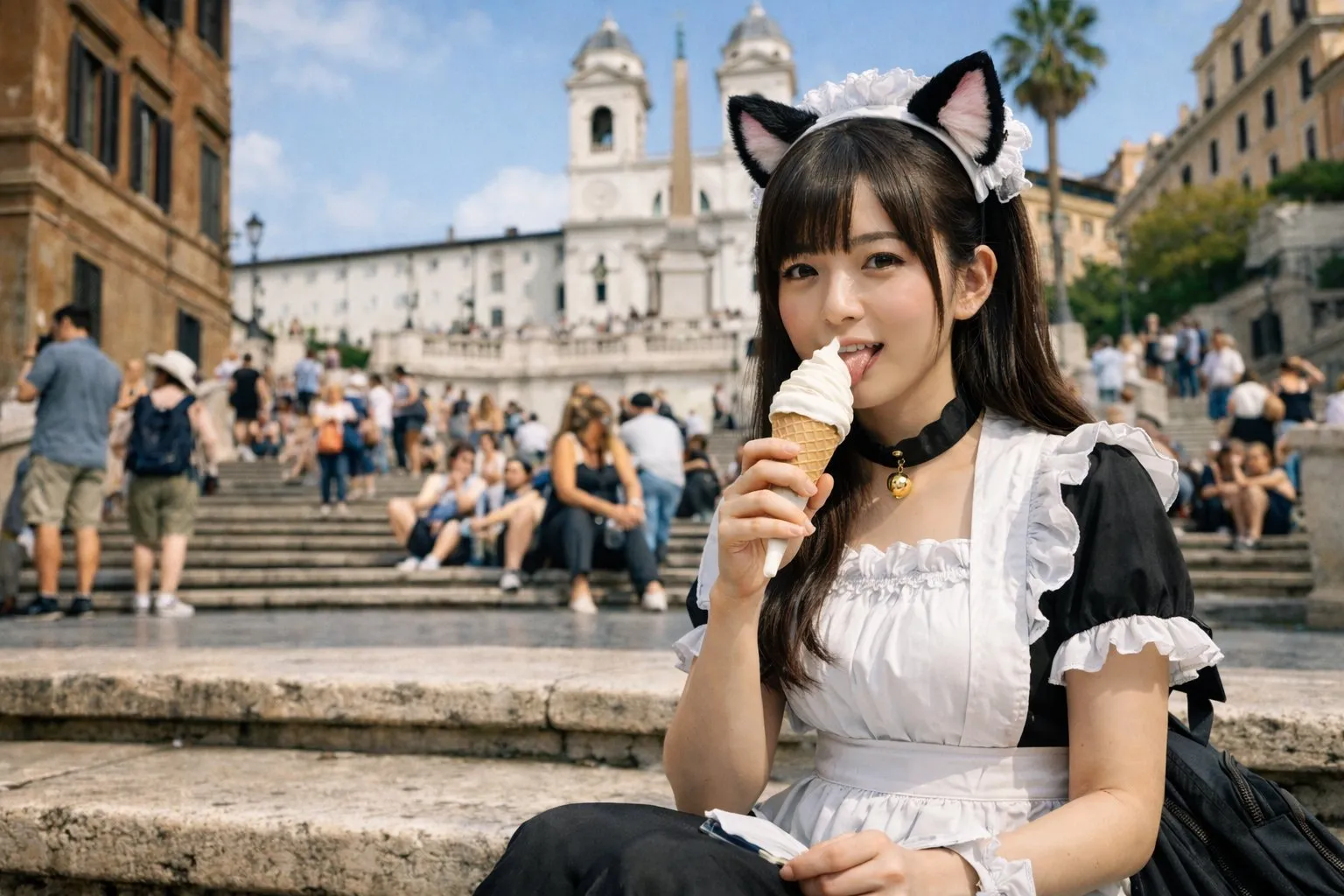
When a product, character, brand look, room style, screenshot, or layout needs to stay recognizable, Image 2 lets you pair prompts with images instead of relying on text alone.
Preserve what matters while changing backgrounds, scenes, styles, composition, or copy direction.
Use multiple references when the task needs subject, style, or layout guidance.
Compare versions before deciding which image is ready for use.
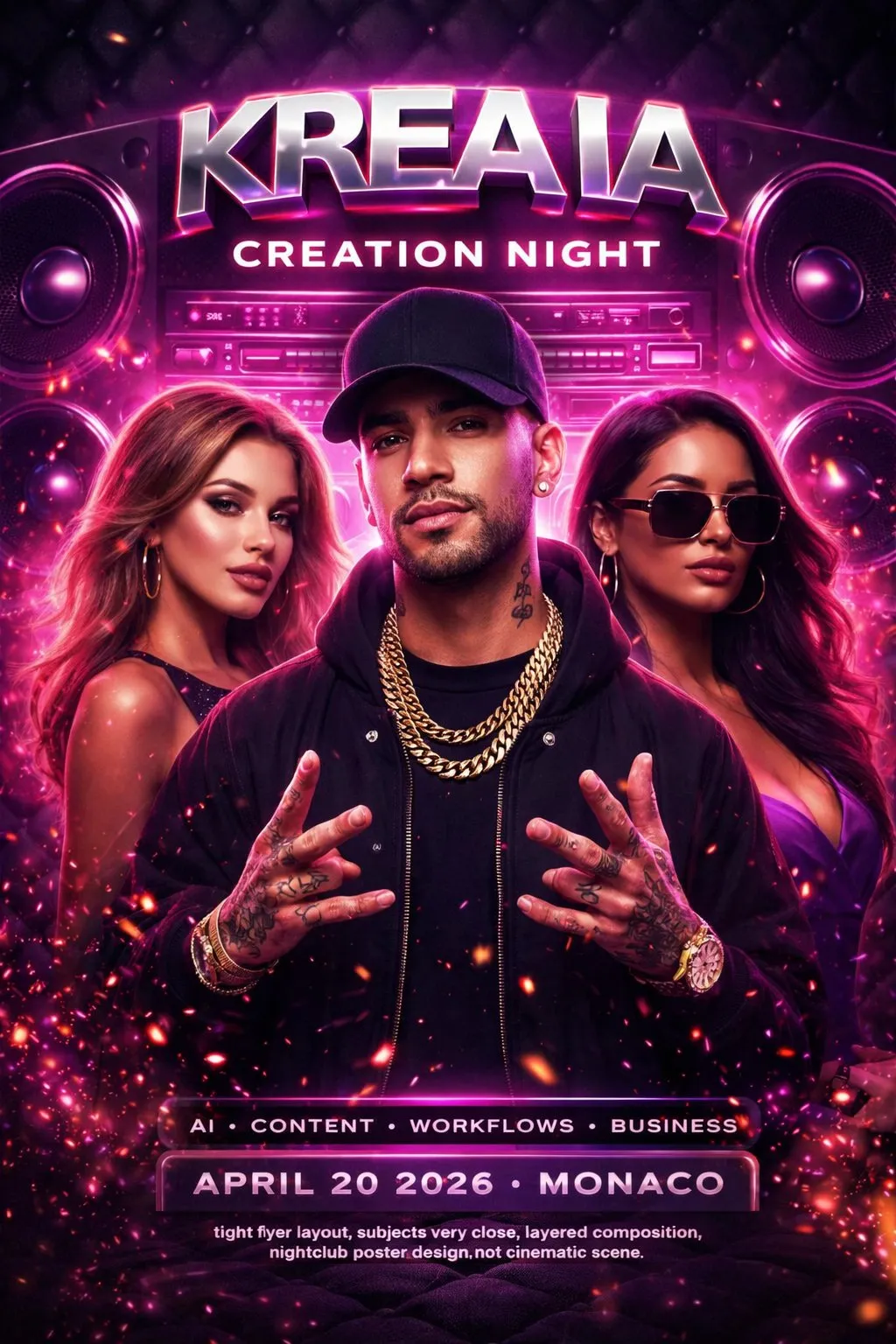
Use Image 2 for image ideas, content visuals, campaign assets, and text-rich graphics across languages, markets, and content channels.
Write prompts and review page guidance in localized experiences.
Create visual concepts for different markets without changing the production stack.
Review text, brand assets, and rights before publishing generated images.
Start with text-to-image for new concepts, image-to-image for edits, reference images for controlled changes, or structured visuals for posters, explainers, and content graphics.
Describe the subject, scene, style, required text, audience, and format, then add reference images and output controls when the image needs tighter direction.
Review the first results, adjust the prompt, replace references, change ratios, or switch workflows until the image is closer to something you can publish.
Image 2 brings the high-intent tasks around AI image generation into one online workspace: ideation, creation, editing, reference control, output polish, and multilingual production.
Generate images from plain-language prompts for ideas, illustrations, concept art, product visuals, ads, social media posts, posters, and creative drafts.
Upload images and describe the changes you want, including background swaps, object edits, style changes, scene updates, and visual refinements.
Use one or more references to guide products, subjects, brand style, composition, text placement, and output direction.
Create ecommerce images, display ads, thumbnails, story graphics, blog visuals, banners, and landing page visuals from a single production flow.
Prepare posters, explainers, comparison images, presentation visuals, and localized creative where text and layout matter.
Review which workflow fits the job before spending credits, especially when you need reference control or publish-ready output.
Choose monthly, yearly, or credit pack options across Basic, Standard, and Pro tiers. Subscription credits reset every month and do not roll over; credit packs stay available until used.
The strongest Image 2 use cases are practical and broad: idea exploration, image edits, product visuals, social posts, ad variants, and reference-led refinements.
 Maya T.
Creative Ops Lead
“Image 2 gives us a clearer starting point than a blank prompt box. We can decide whether the idea needs a prompt, a reference, an edit, or a more structured visual workflow.”
 Jordan P.
Growth Designer
“For product visuals, social posts, and design directions, the useful part is combining prompts with references. It makes iteration feel closer to a real creative workflow.”
 Ava R.
Product Marketer
“We use Image 2 when we need more than a single generated image: first drafts, edits, format variations, and review-ready visual directions.”
 Leo C.
Founder
“The bilingual experience helps our English and Chinese teammates work from the same Image 2 flow while still reading the guidance naturally.”
 Nora K.
Brand Designer
“GetImage helps us turn one product reference into several polished directions without losing the original framing. It keeps early design review focused on choices instead of setup.”
 Samir L.
Content Lead
“The strongest part is moving from rough prompt to usable formats quickly. We can test thumbnails, square posts, and wider hero concepts before committing design time.”
Image 2 is an online AI image generation and editing platform for creating images from prompts, editing uploaded photos, using reference images, and producing concept visuals, product images, ads, posters, social media graphics, and multilingual creative assets.
Image 2 supports both. Use text-to-image when you want new ideas from a prompt, and use image-to-image or reference editing when you need to preserve a subject, product, layout, or visual style.
Yes. You can upload images and describe edits such as changing backgrounds, refreshing product scenes, adjusting style, replacing objects, creating variants, or adapting a visual for a different format.
Yes. Product images are one important use case, but Image 2 also supports concept art, blog visuals, social graphics, posters, presentation images, ads, thumbnails, and general creative exploration.
Yes. Use Image 2 to create display ads, social posts, story images, content graphics, launch visuals, thumbnails, and text-heavy designs that can be reviewed before publishing.
Yes. Reference image support lets you guide subject consistency, product appearance, composition, style, and visual direction. Exact reference limits and output controls depend on the selected workflow.
Describe the subject, scene, style, audience, channel, aspect ratio, required text, and what should stay or change. For edits, upload references and separate preservation instructions from change instructions.
Yes. Image 2 is positioned for multilingual creative work, including localized campaign images, text-rich visuals, social graphics, and visual assets that need to be adapted across languages.
Image 2 supports subscriptions and credit packs. Subscriptions fit steady ongoing production, while credit packs fit short bursts, launches, testing, or temporary extra demand.
In general, yes, as long as your use follows the platform terms and does not violate third-party rights. You are responsible for reviewing inputs, trademarks, brand assets, likeness rights, copyright risks, and publishing platform rules.
Generate images from prompts, edit existing photos, add references, and prepare AI visuals for ideas, products, content, ads, social posts, posters, and multilingual projects.