Background Remover
Generator
Background Remover
Preview


Background Remover · Creative workspace
Keep the subject. Make room for a new setting.
Remove the surrounding scene from a single image and prepare a cutout for your next composition. Upload a product, portrait, or object without writing a prompt.
01
Prepare reusable product assets
02
Inspect the edges that matter
03
Take the subject into your design
One image
Cutout
What you can do
01
Prepare reusable product assets
Separate an item from the original shoot so it can fit into a catalog, a seasonal layout, or a new campaign background.
02
Inspect the edges that matter
Hair, fur, thin straps, and translucent surfaces need a closer look. Compare the original and the cutout before placing it on a contrasting background.
03
Take the subject into your design
Download the processed image and position it in your editor. Add a background or shadow there to match the destination layout.
Example transformations
Illustrative examples; results depend on the source image.
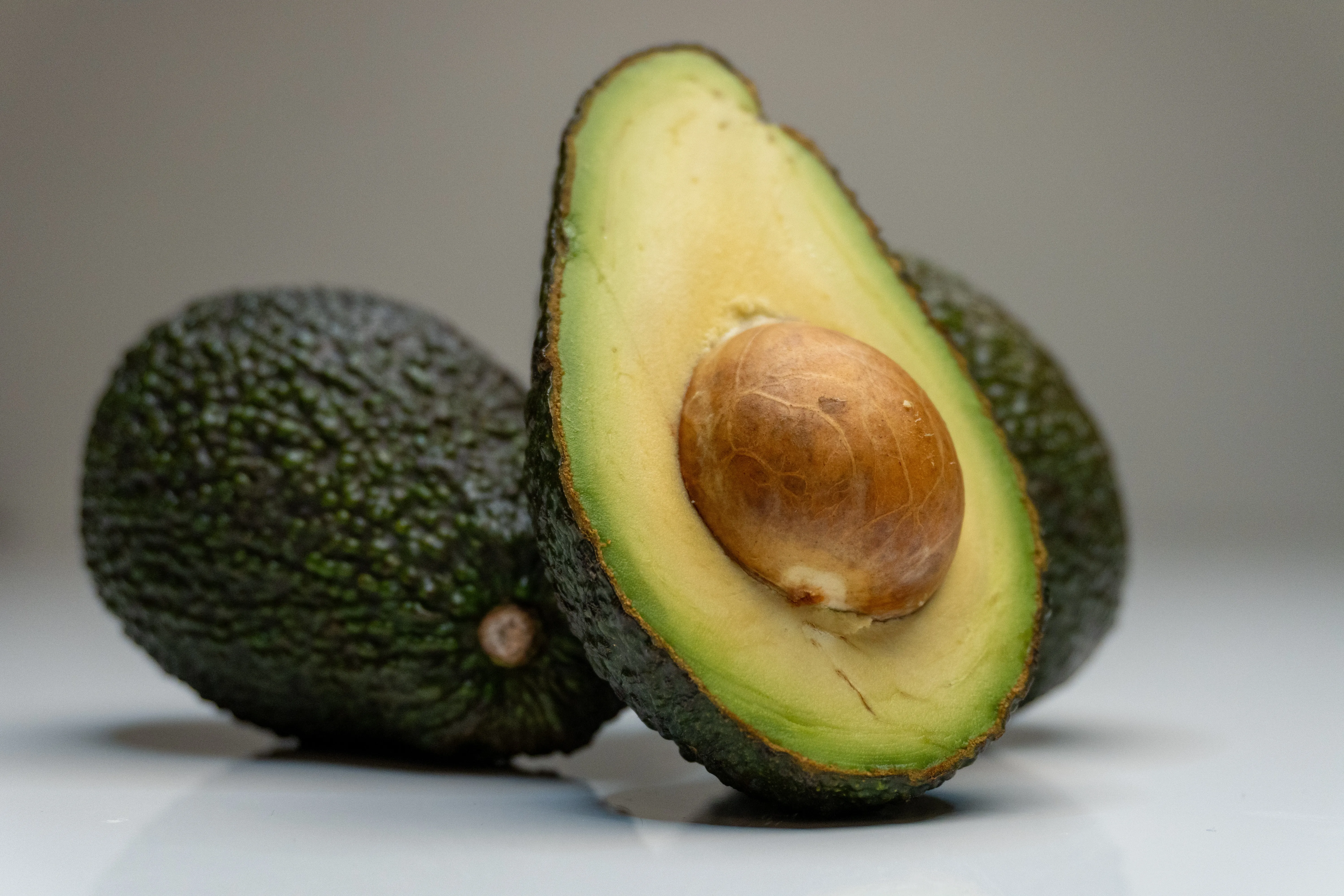
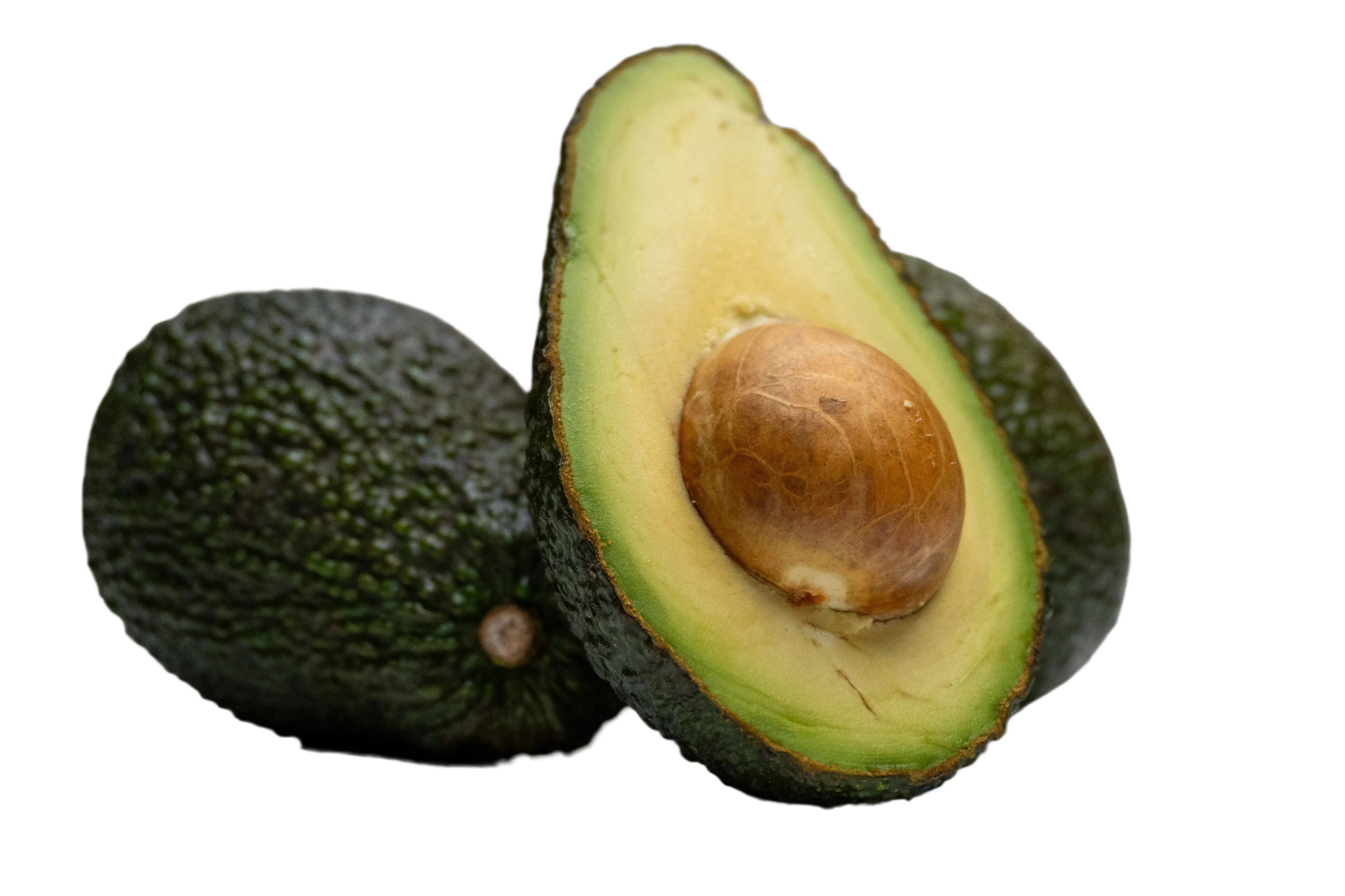

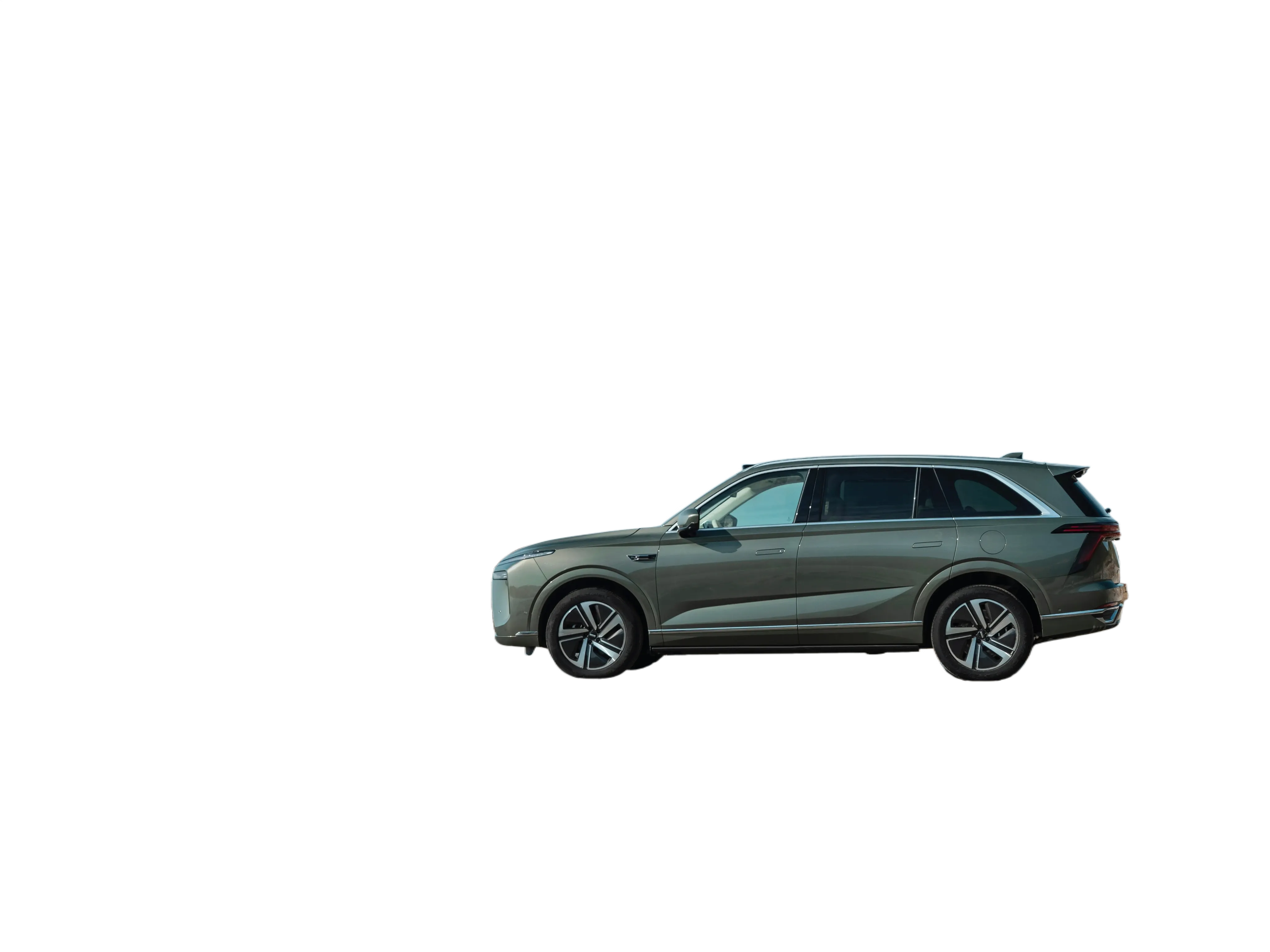
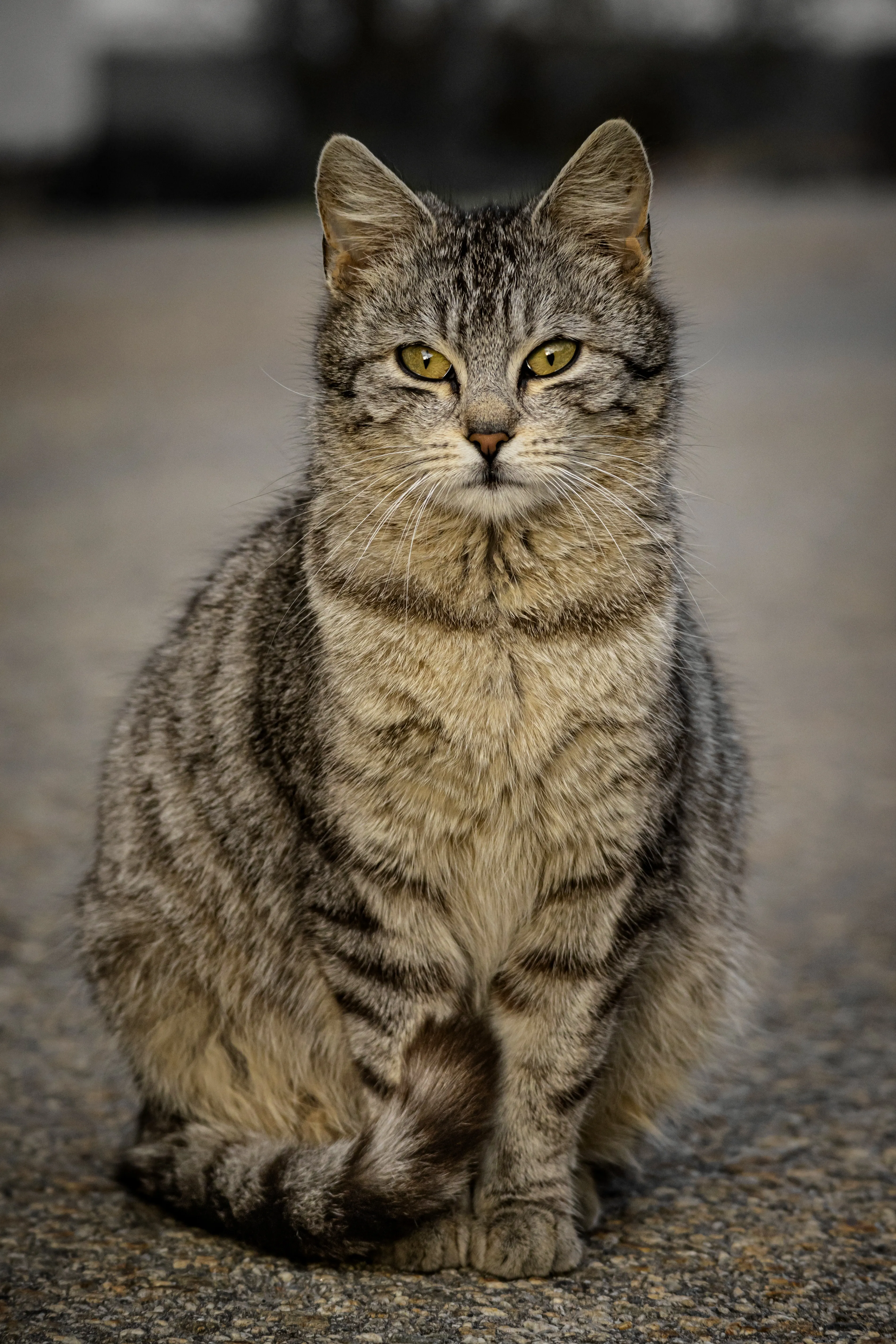
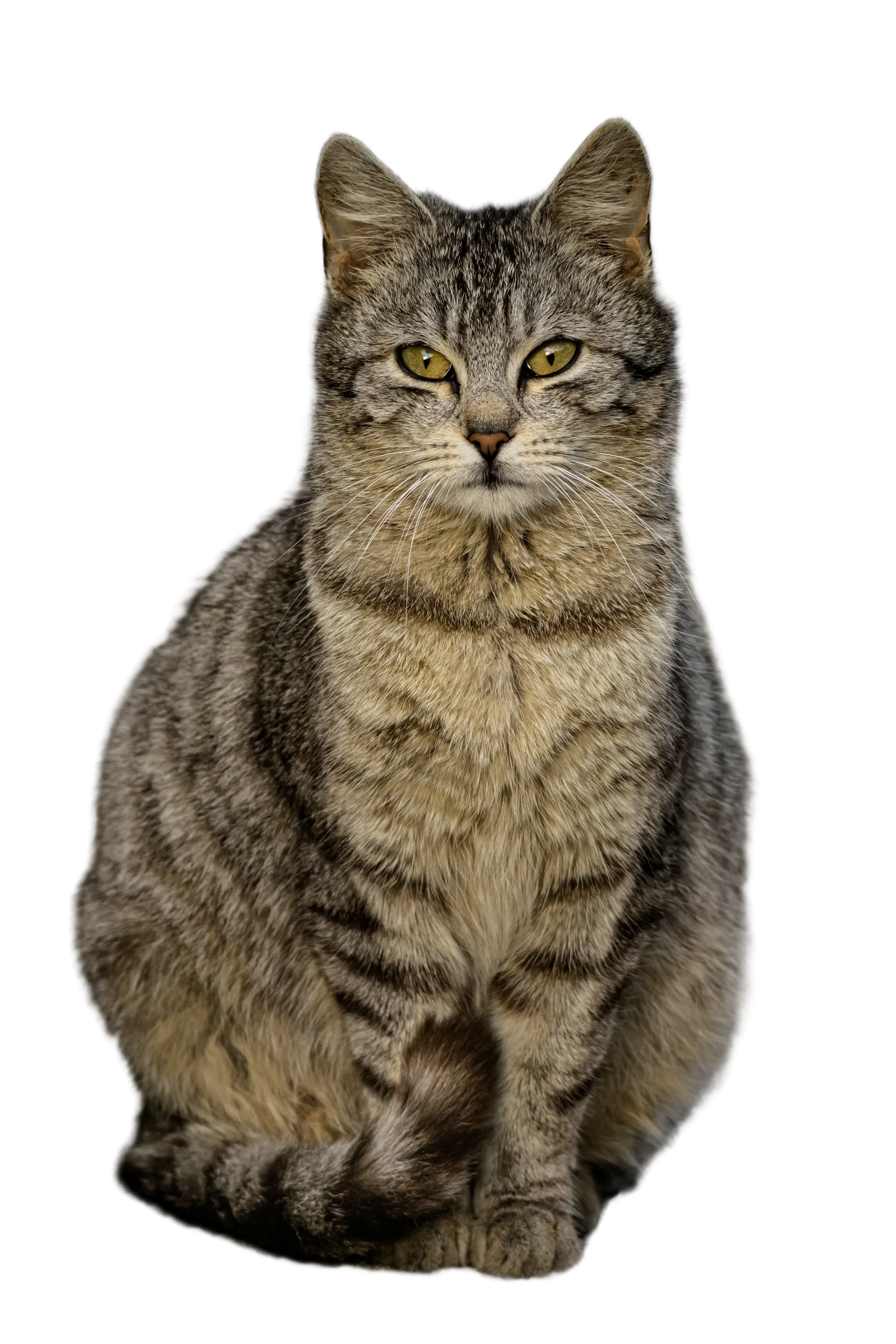
From input to output
01
Upload the source
Choose one image with a clearly visible subject.
02
Start processing
Use the button above; no text prompt or manual mask is required.
03
Check and download
Compare the source and output, paying close attention to edges and fine details.
Questions before you start
Do I need to describe what to remove?
No. Upload one image and start processing. This tool automatically separates the subject from its background; it does not offer a manual selection brush.
Why should I check the cutout?
Similar foreground and background colors or partially transparent objects can make separation difficult. Compare the original and the output to spot missing edges and leftover background areas.