Image Upscaler
Generator
Image Upscaler
Preview


Image Upscaler · Creative workspace
Give a small image more room to work
Enlarge an existing image for a larger placement while aiming to retain its visual character. Upload one file, process it, and compare the result with the source.
01
Reuse an image at a larger size
02
Keep familiar details in view
03
Judge it at the destination size
One image
Larger image
What you can do
01
Reuse an image at a larger size
Prepare a small product photo or illustration for a roomier layout. Start with the best original available, rather than a screenshot of a screenshot.
02
Keep familiar details in view
Compare outlines, fabric texture, and lettering after processing. A sharper appearance does not guarantee that every reconstructed detail is accurate.
03
Judge it at the destination size
Check the result in the actual banner, slide, or product page. Choose the version that looks natural at that size instead of judging only at extreme zoom.
Example transformations
Illustrative examples; results depend on the source image.
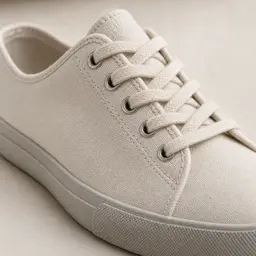
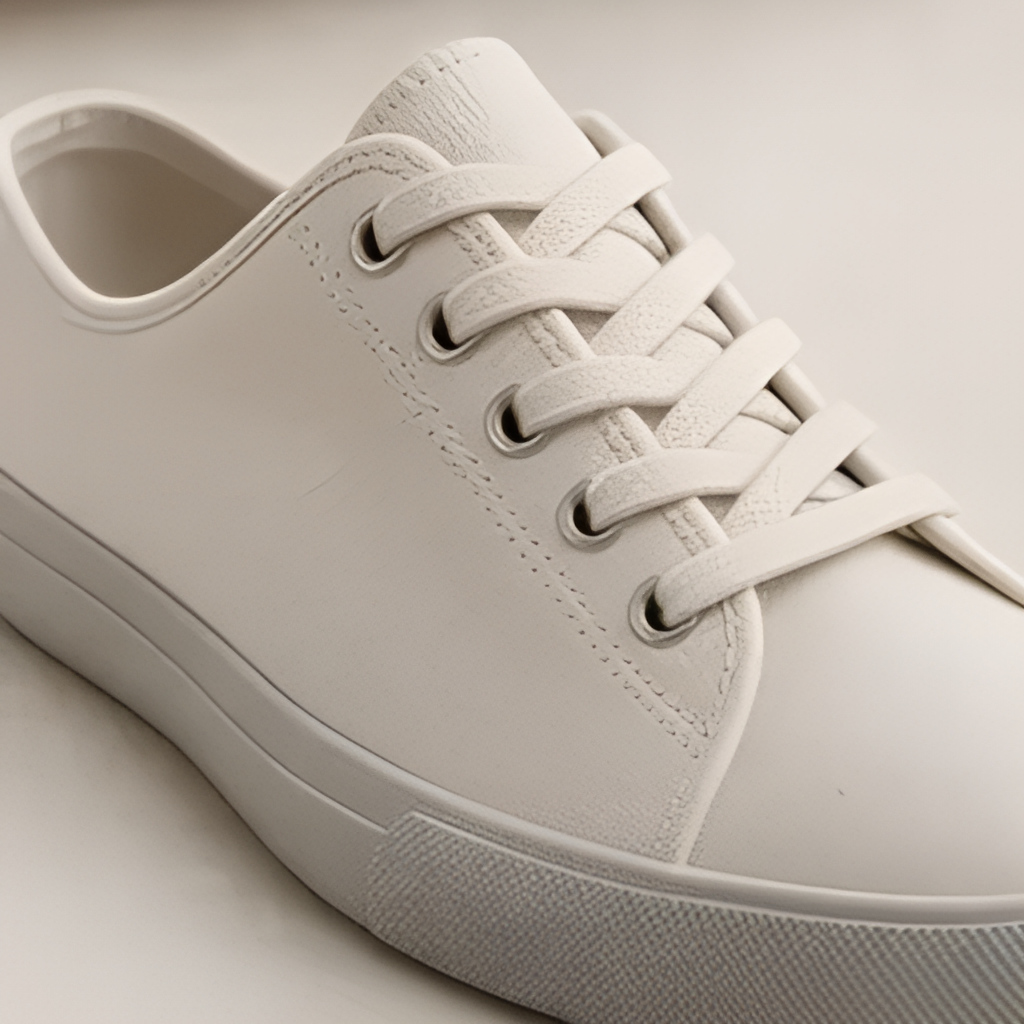

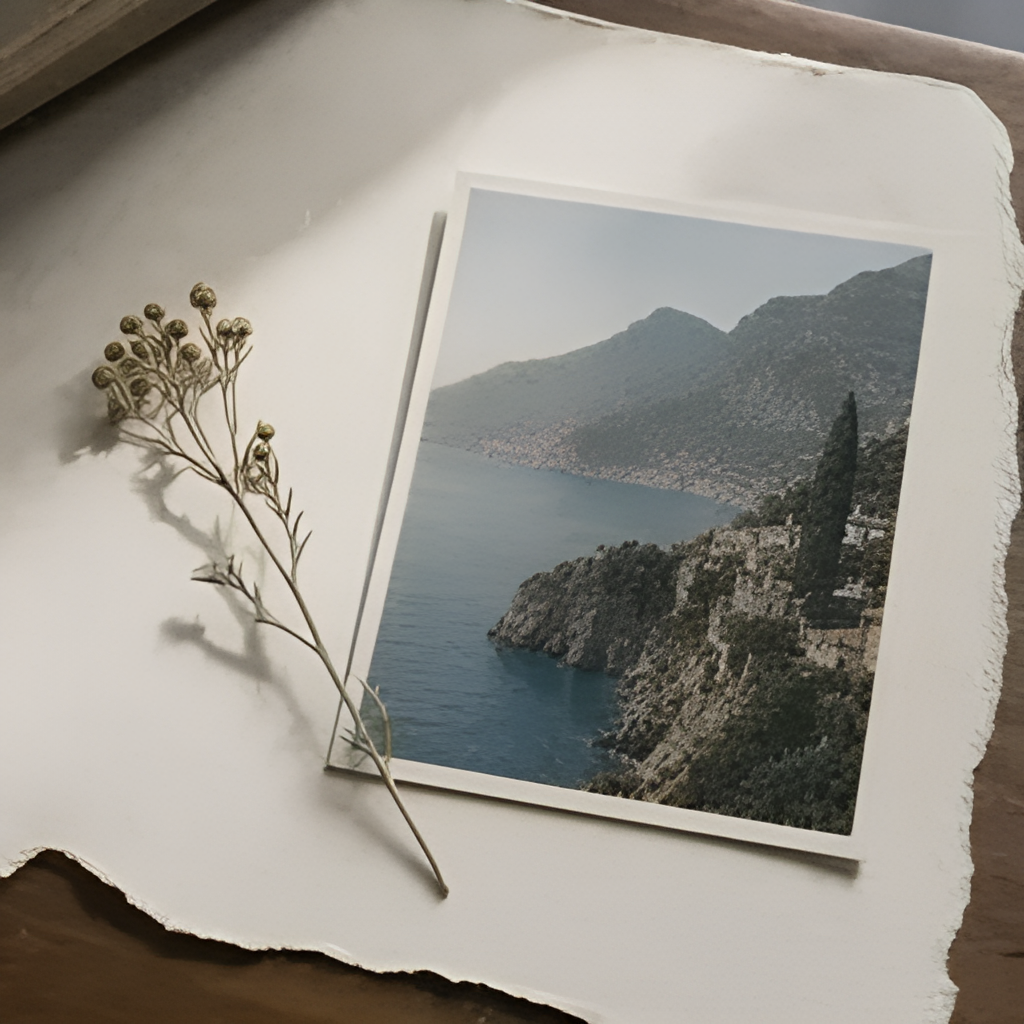


From input to output
01
Upload the source
Choose one image with a clearly visible subject.
02
Start processing
Use the button above to enlarge the image; no text prompt is required.
03
Check and download
Compare the source and output, paying close attention to edges and fine details.
Questions before you start
Can it recover details lost to blur or compression?
Upscaling estimates additional pixels. It cannot guarantee the recovery of exact original detail from a severely blurred or compressed source.
Can I pick a scale multiplier here?
This tool uses the provider’s preset upscale operation. Upload one image and inspect the delivered size; this page does not expose a custom multiplier.