GPT Images 2.5
Generator
GPT Images 2.5
Preview
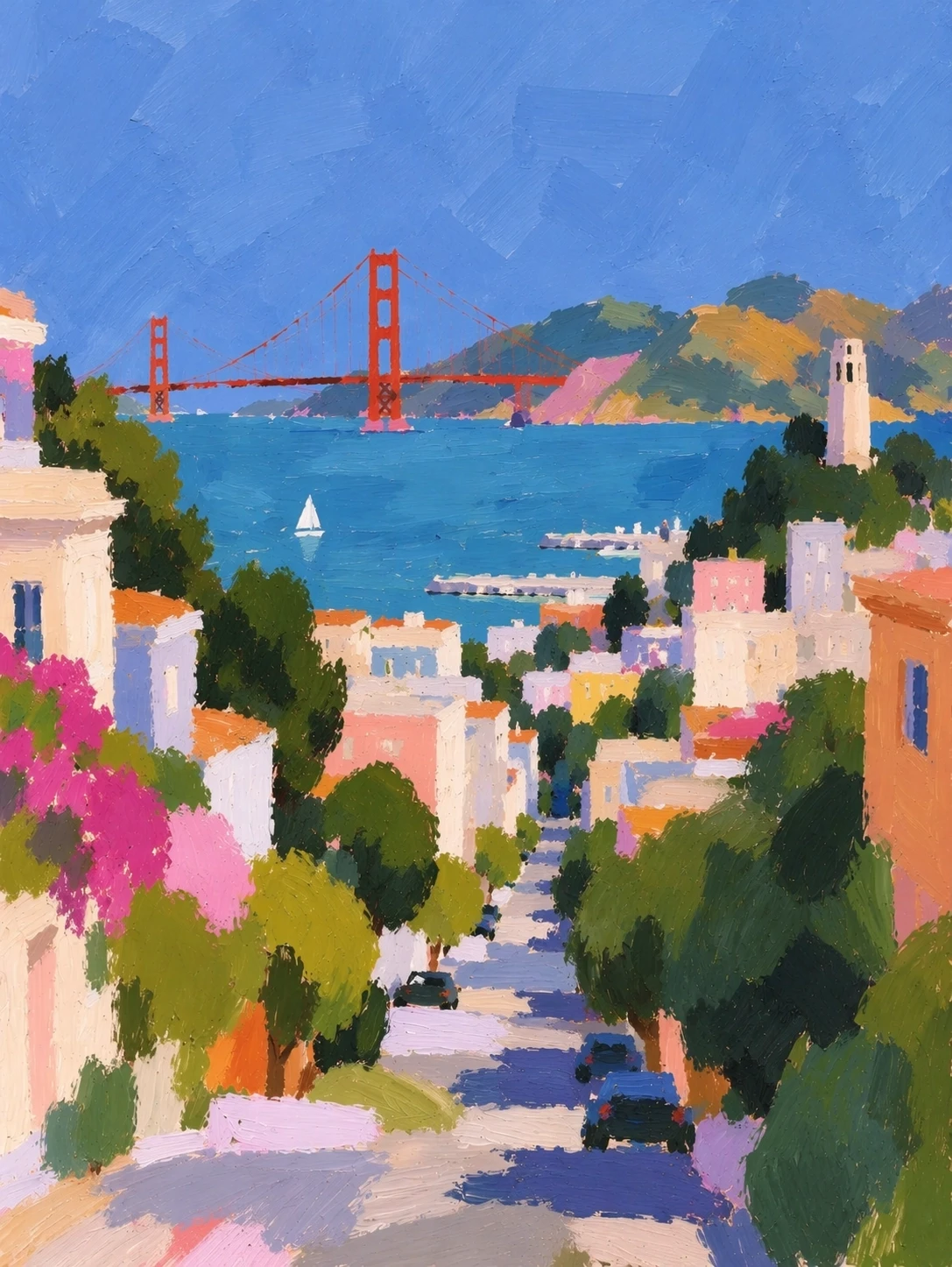
GPT Images 2.5 · Creative workspace
Give each image the right kind of attention
Explore visual directions with Flare, or choose Sunburst for careful changes to an existing composition. GPT Images 2.5 brings both approaches into one workspace.
01
Explore with Flare
02
Refine with Sunburst
03
Plan the final canvas
Text + references
New composition
What you can do
01
Explore with Flare
Try a product scene, an editorial illustration, or a new color direction. Describe the subject and the space it needs before adding stylistic detail.
02
Refine with Sunburst
For a focused edit, explain which object should change and which details should remain. A reference image gives those instructions a concrete starting point.
03
Plan the final canvas
Choose a portrait, square, or landscape format before generating. Use a transparent background when the image will become a layer in another design.
From input to output
01
Choose your starting point
Write a visual brief or add reference images in image-to-image mode.
02
Set the direction
Select the available output options and describe the changes you need.
03
Review the result
Compare details, then download the version you want to use.
Questions before you start
How should I choose a variant?
Flare suits fast visual exploration; Sunburst emphasizes precision in image editing. Choose according to the job, then compare the actual output.
Can I start from an image?
Yes. Switch to image-to-image, upload references, and describe the intended change. Review lettering and subject details before downloading the final version.